
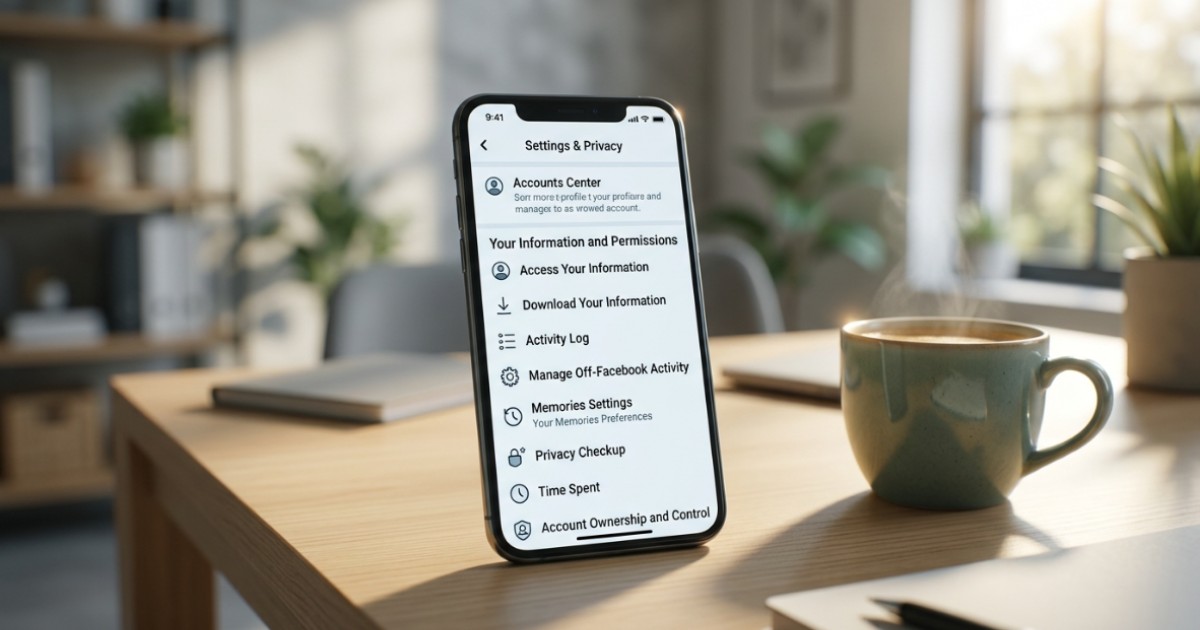
The "Memories" feature remains one of the most popular and frequently utilized tools on the Facebook social media platform. This digital utility allows users to revisit various posts, status updates, and photographs shared on the exact same calendar date across previous years. While these cyclical reminders often induce positive nostalgia, certain digital traces can inadvertently evoke the pain of losing a loved one or the trauma of a broken relationship.Modifying your Facebook memories settings offers an effective method to conceal these unpleasant milestones completely.
Users can effortlessly manage and restrict these notifications directly through the official Facebook mobile application on their smartphones. To access these configurations, open the application and tap the primary menu button located on the navigation interface. Users must then scroll down and select the "Memories" icon to open the dedicated activity dashboard. Clicking the gear-shaped settings icon situated in the upper right quadrant of the screen unlocks three primary presentation modes for archived data. Selecting "All Memories" permits the algorithm to showcase every piece of historical content, whereas choosing "Highlights" restricts the feed to specialized automated video collections. Conversely, selecting the "None" option commands the platform to terminate all memory-related notifications and automatic archive generation entirely.
The specialized architecture within the control dashboard also provides separate filters to block designated individuals or specific historic timeframes. Tapping the "People" button under the configuration menu allows users to input the profile name of any specific individual they wish to hide from their historical highlights. Once selected, the algorithm automatically saves the preference without dispatching any notification or alert to the targeted user, thereby preserving absolute privacy. Similarly, users seeking to omit specific calendar dates can select the "Dates" option within the main control window. By utilizing the integrated calendar interface, individuals can specify the exact days, months, or years they wish to exclude before clicking "Done" and "Save" to finalize the command.
Implementing these minor technical updates allows social media participants to shield themselves from unexpected emotional distress. In an increasingly connected digital era, configuring personal application parameters remains essential for protecting structural mental well-being and privacy. These granular timeline filters grant users absolute sovereignty over their personalized feeds, ensuring old hardships do not disrupt modern digital experiences.